


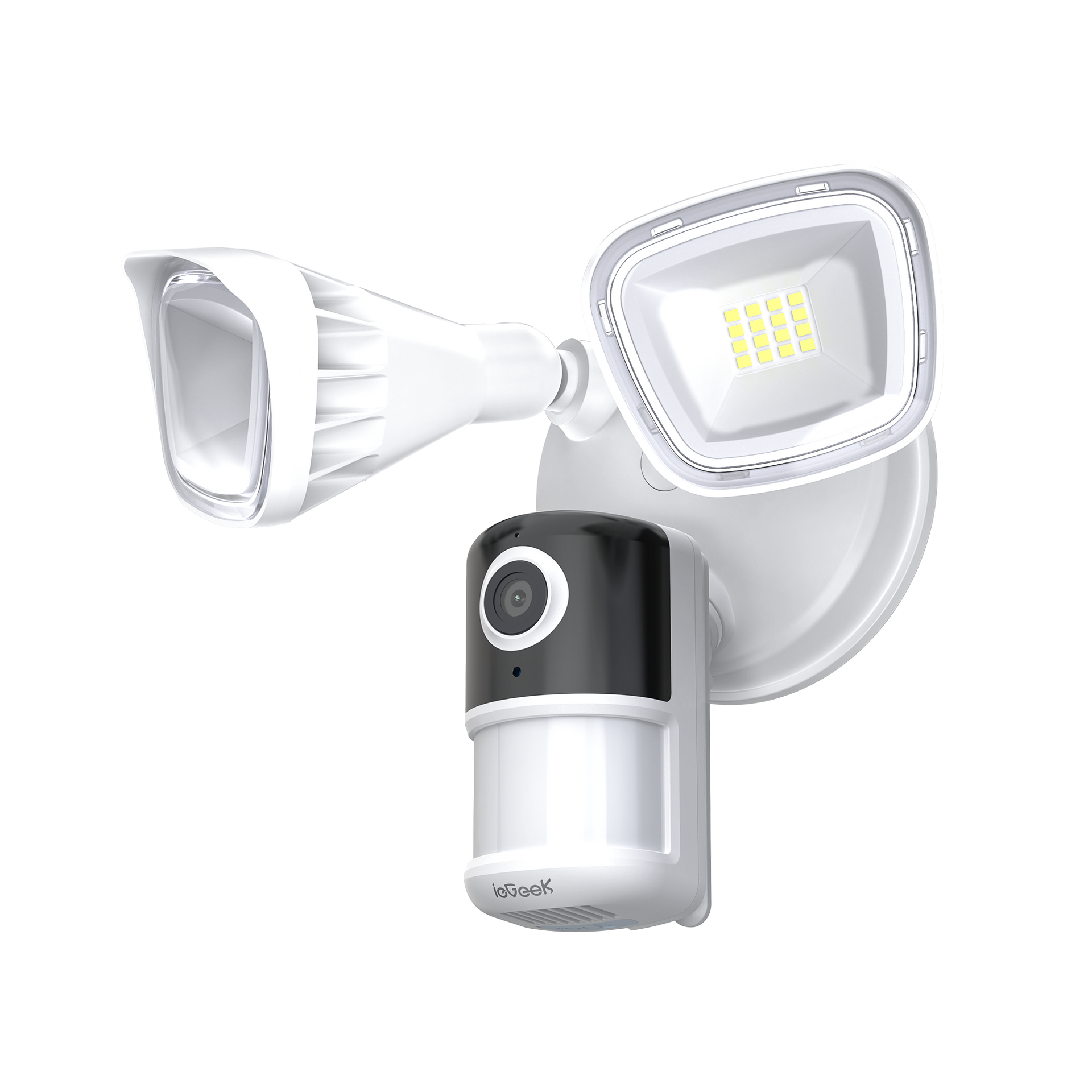


ieGeek Floodlight Camera ZY-E1
- 2K Resolution & 15M Color Night Vision: ieGeek Spotlight Camera ZS-GQ2 is upgraded to 2k 3mp resolution, making it easier to capture details at night, such as license plates or portraits. At the same time, 15m color night vision restores the true colors at night, and greatly increases some details that are missed by cameras that only capture black and white video at night, allowing the picture become clear and real.
- Human Detection & Custom Area Detection: ieGeek outdoor camera is equipped with human detection, accurately identifies activities that only belong to human beings, and reduces annoying mobile phone false alarms (up to 80%) such as fallen leaves, curtains, etc. You will not receive useless messages, Custom area detection allows you to freely adjust the position of important areas.
- Motion Detection & Sound and Light Alarm: ieGeek camera systems support motion detection and noise detection. Once abnormal motion and noise are detected, lights and alarms will be triggered immediately, and instant notifications will be sent synchronously. Allows you to remotely monitor the financial security of your home at any time.
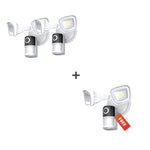
Build Smart Security Bundle - Save Extra 10%
Build Smart Security Bundle - Save Extra 10%
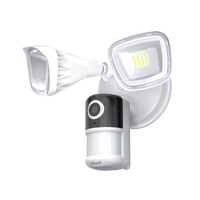
ieGeek ZY-E1
Choose Indoor Security Cams
Add products to build your bundle
ieGeek Indoor Camera SC1
ieGeek Indoor Camera SC1 Pro
Choose Baby Monitors
Add products to build your bundle
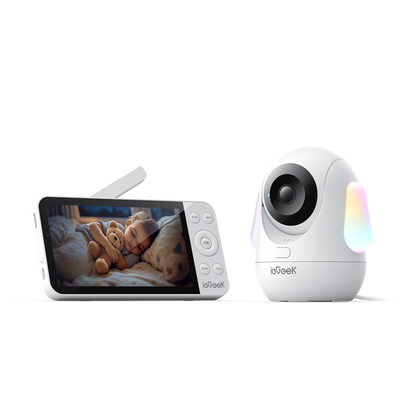
ieGeek Baby Monitor Baby 5
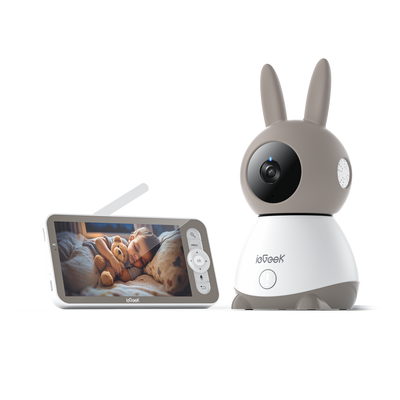
ieGeek Baby Monitor Baby 1T
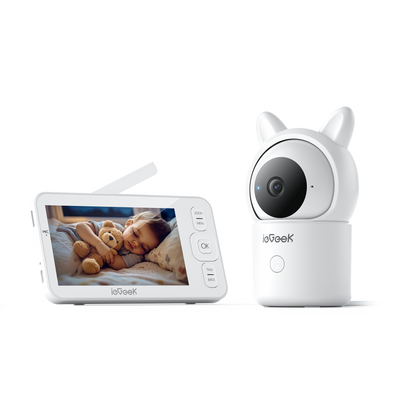
ieGeek Baby Monitor Baby 7
Choose Video Doorbells
Add products to build your bundle
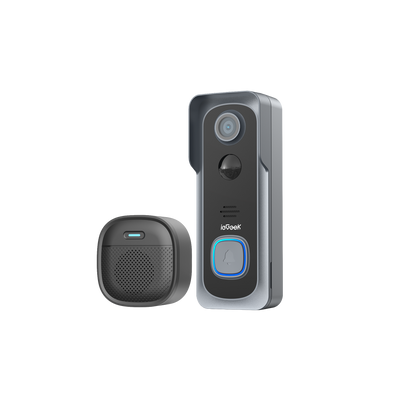
ieGeek Doorbell Camera Bell J1
ieGeek Doorbell Camera Bell J9 Plus
0 products selected
0 products selected
0 products selected

-
 Fast, Free Shipping
-
 30-Day Money-Back Guarantee
-
 Hassle-Free Warranty
-
 Lifetime Customer Support


Capture Stunning Detail Wirelessly

Capture Every Detail: Every moment is captured with brilliant, crystal-clear clarity.

Powerful Night Vision: See clearly in the dark with a Night Vision.

Fast Video Loading: Watch footage instantly with smooth, delay-free playback.
Secure Your Arrival Home Smartly

With powerful LED lights, they can light up large areas, giving you clearer image/video in the dark.

Field of View: Wide-angle camera and lights cover driveways, porches, and side yards.

Powerful Night Vision: See clearly in the dark with a Night Vision.

IP65 Waterproof, Ready for Any Season and Most Weather
Secure Your Arrival Home Smartly

PIR Motion Detection: Instant alerts with notifications in just 2 seconds.

Quickly analyse things in front of the camera. Supports recognising person/pets/Vehicles/package.

Flexibly set the sensitivity to reduce false alarms and extend battery life of wifi security camera.

Customise detection area to determine where the solar security camera detects motion and where not.

Set the alarm time period, wireless security cameras only triggers alarm events during this period.
Even More Features to Love

Ask Alexa to show you a live feed of your home security cameras outdoor through voice commands.

Cloud Storage Allows Easy Saving and Playback Anytime

Finding the entire event from start to finish is made much easier by the smart filters and timeline.

50% of positive customer reviews come from the simplicity and ease of use of the "ieGeek Cam" app.

One-click auto-pairing eliminates searching for the corresponding product in the app and speeds up the connection process by 50%.
Permanent Protection with Easy Installation

Activate protection immediately with a three-step camera installation.

Choose the mounting method that best suits your security needs.

What's in the box: All included components are shown here.
Technical Specifications
- Video Resolution 2K 3MP (2304*1296)
- Video Encoding H.264
- Illumination (Floodlight) 2600lm
- Color Night Vision Supported (with Spotlight)
- Night Vision (Infrared) Max. 15m (50ft)
- Field of View 130°
- Motion Detection Supported
- Smart Detection Person/Vehicle/Pet/Package
- PIR Angle 150°
- PIR Detection Range Max. 12m
- Detection Sensitivity Three-level adjustment
- Customizable Alarm Schedule Supported
- Alarm Zone Supported
- Power Supply Corded Electric
- Storage SD Card (Max. 128GB) & Cloud Storage
-
Recording
Motion-triggered &
24/7 recording
- APP CloudEdge / ieGeek Cam
- Network Connection 2.4GHz Wi-Fi
- Smart Home Integration Alexa
- Two Way Audio Supported
- Multiple User Sharing Supported
- Quad-viewing Supported
- Waterproof IP65
Customer Reviews
One of the few combination lights and camera that I could find. I needed one that count mount horizontal. Was easy to mount and setup. Works really well. The app let's me know when it senses someone outside my garage door.
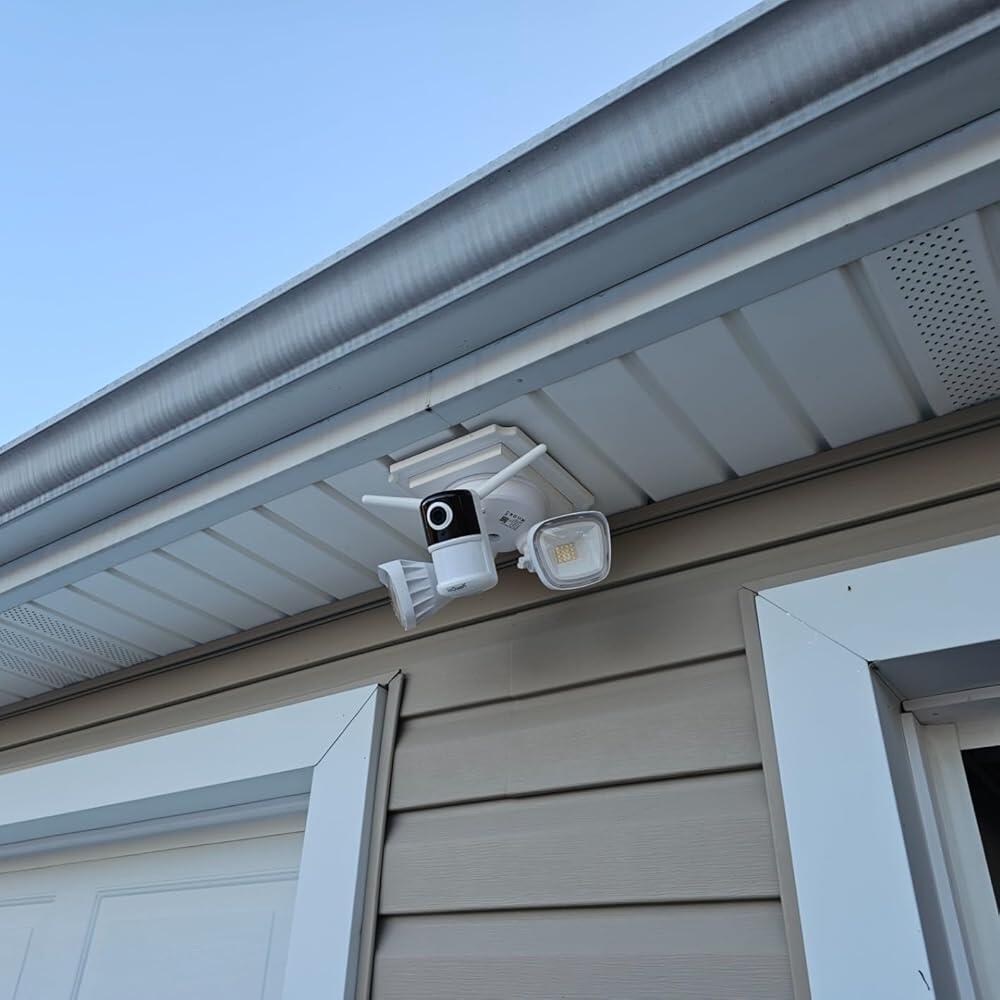
I love it when a product is easy to install and configure. Took me 20 minutes to install and configure to the WiFi. I hope it lasts longer than my last one (different brand). If not I will let you know
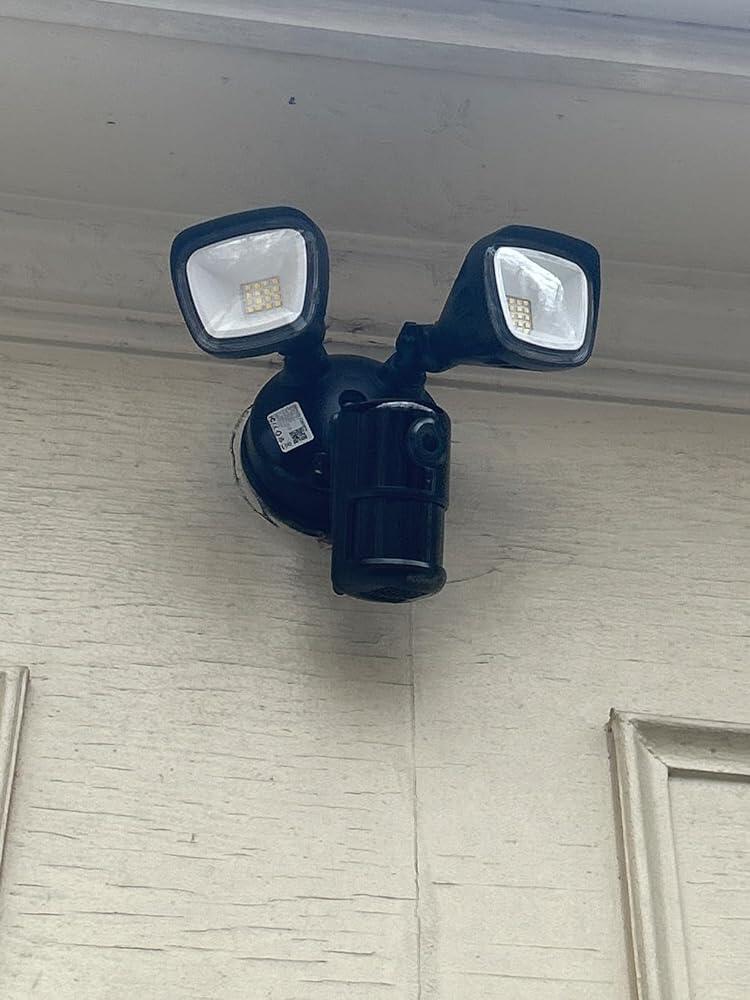
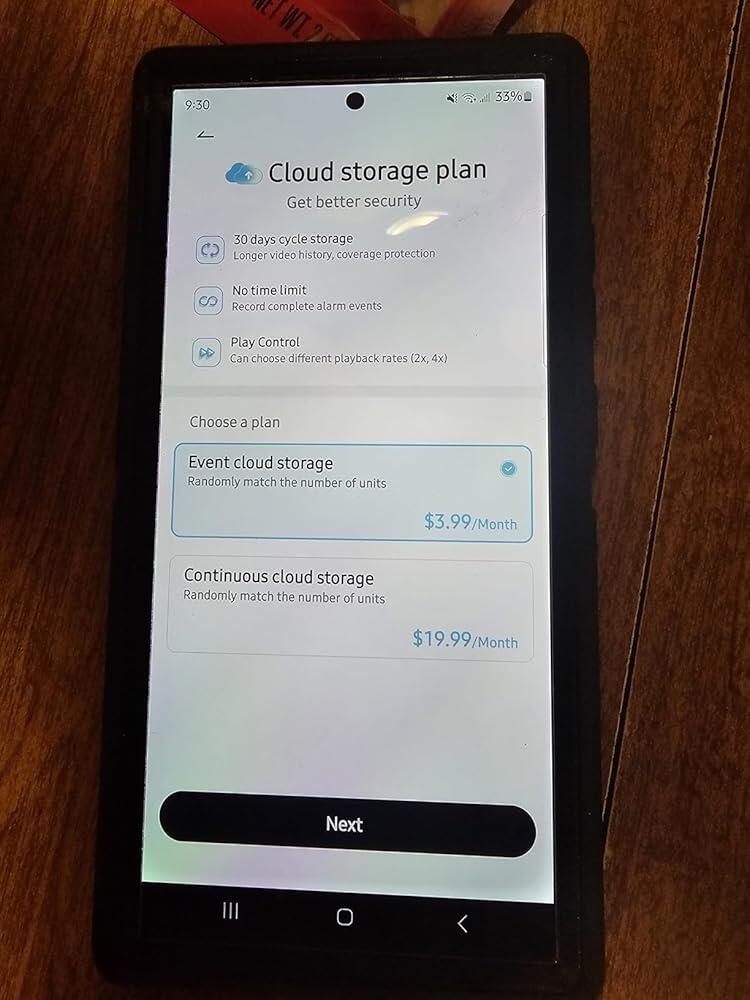
UPDATE: My mom was looking for a security camera for her property and I recommended iGeek based on my previous deadline with them. Here is her review:Does exactly what I need —My daughter has an ieGeek Floodlight Camera and recommended it to me. Excellent product. The light is bright with variable sensors, the camera picture is clear with a wide angle, construction is sturdy, the setup/use app is easily navigated to personalize it as needed.I highly recommend it.UPDATE: While the product did not meet my expectations, the seller's response was phenomenal! They addressed the issue quickly and went above and beyond in making sure I was happy with the solution. I will absolutely do business with them in the future.ORIGINAL REVIEW: I haven't used these enough to leave a review on the camera quality, but I bought these cameras over Blink because of the statement that you get free lifetime cloud storage. I hooked them up without issue (as long as you use the iegeek app - it didn't work with SmartLife) but when I try to activate cloud storage it wants to charge me a monthly fee. Thus far, I'm not impressed. I don't have time to constantly be checking cameras nor to be pulling an SD card or every time I need to see footage.
So, we've been on the hunt for a solid security camera that wouldn't let us down, and let me tell you, stumbling upon the ieGeek Floodlight Camera was like hitting the jackpot. Right from the get-go after installation, the clarity of the video just blew us away. Day or night, this thing delivers super sharp footage that's seriously at an unexpected level for keeping an eye at our home.What's really cool is the color night vision. It's not just your average, grainy night shot; the shots are vibrant, clear images even when it's pitch black outside. And the floodlights? They're super bright, lighting up our carport fully and all the way our to the end of our driveway 130 feet out whenever it caught motion, this will help making sure any sketchy characters think twice before stepping on our turf or wandering wildlife. Plus, being able to talk with the mailman or scare off raccoons through the camera using Alexa without leaving the couch is pretty sweet.Now, I gotta say, we were having a little bit of problem with the human motion detection settings at first—it as they seemed kinda finicky. But turns out, it wasn't even something we needed to worry about for our setup. More than likely this was due to how many large objects we have in our carport. Even with that little glitch, this camera hasn't missed a beat.Setting it up was a breeze, and it looks pretty slick on the house, too. Being wired means no messing around with batteries all the time, which is a huge plus.All in all, snagging the ieGeek Floodlight Camera was a smart move. With its killer video quality, night vision, those beastly floodlights, siren, chit-chat feature, and working with Alexa, it's a steal for what you get. The motion detection might need a bit of playing around with, but honestly, it's no biggie considering everything else it does so well. If you're on the lookout for a top-notch security camera that's got all the bells and whistles, you've gotta check out this ieGeek camera.
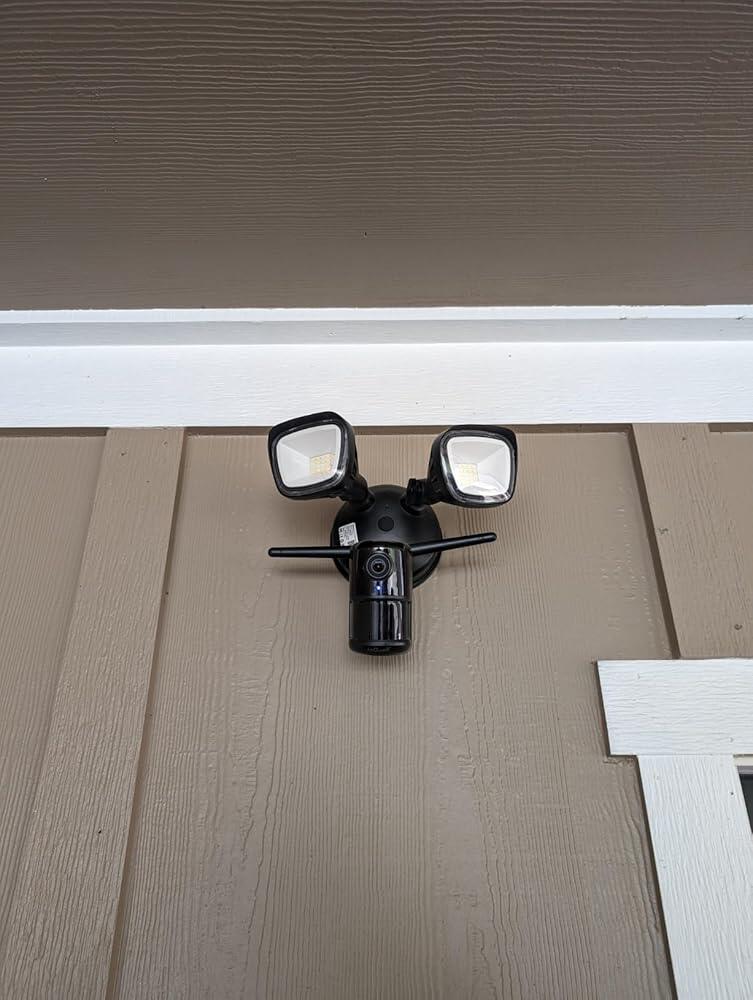
The self guided install of the hardware/software had me up and running quickly. Ongoing the lights are very bright (but can be toned down), and the camera has excellent clarity. For video storage you can add a max 128g SD card or use their subscription cloud service, the SD card meets my storage needs. I have not tried the products intercom or alarm. The software is intuitive and easy to use, and supports multiple devices. I will be adding another of these floodlights.
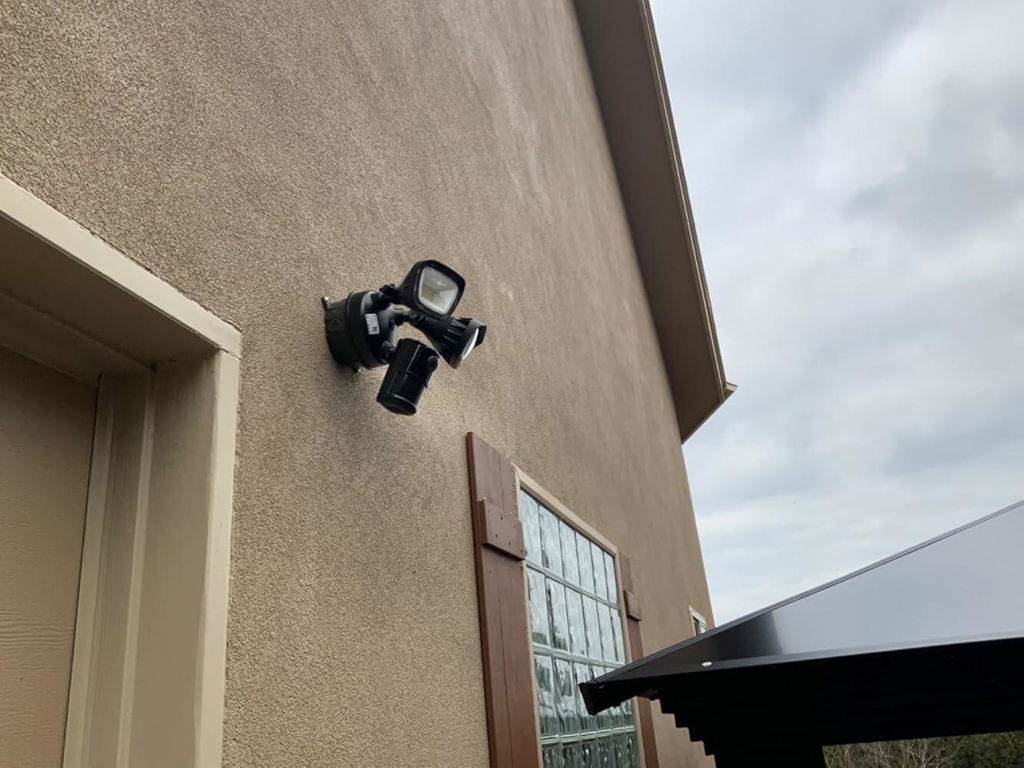
I purchased this product and the camera was not clear. Disappointed, I began to box it back up and return it along with 2 others I purchased. Unsolicited, Jaylan from IEGEEK reached out and asked about my purchase. After a little troubleshooting he sent me out a replacement unit. I went ahead and installed all 3 units with no issue. If he wouldn't of reached out, I probably would of returned all 3 units - thinking they were poor quality. Features are good. Easy to adjust from your phone. Would buy again.
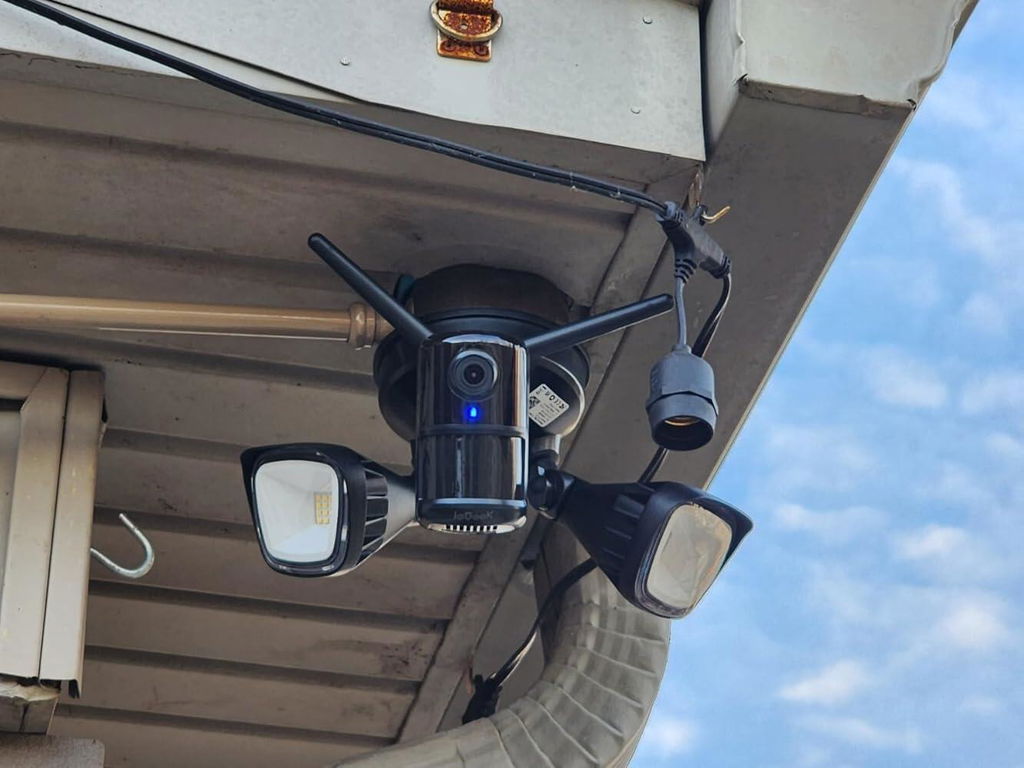
In addition to having great image quality, the iOS app is really excellent, and I'm a picky retired software developer specializing in UI. I'm also amazed at the nighttime image quality and brightness. The setup process was simple and seamless, and the method of setting up a specific area for motion control triggering is genius. I purchased this one to try it out, and I'm satisfied to the extent that I'm buying four more of these to finish out my house.
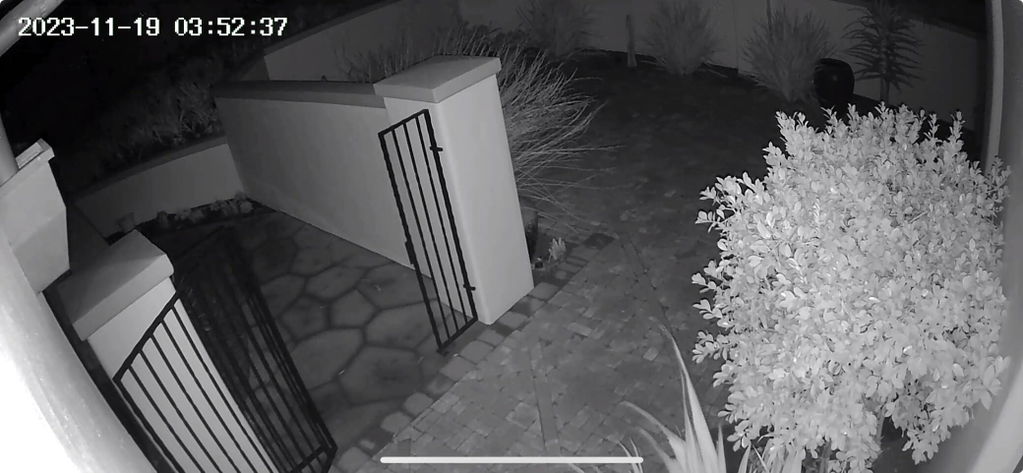
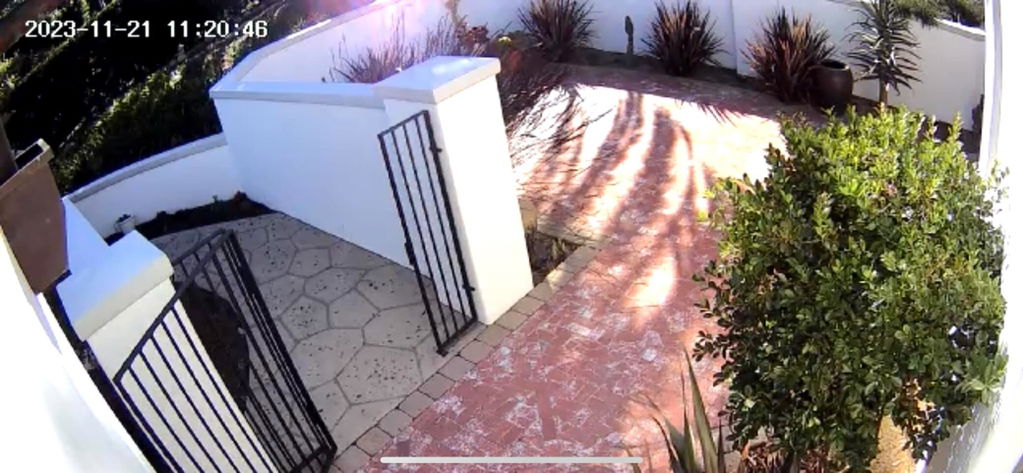
In addition to having great image quality, the iOS app is really excellent, and I'm a picky retired software developer specializing in UI. I'm also amazed at the nighttime image quality and brightness. The setup process was simple and seamless, and the method of setting up a specific area for motion control triggering is genius. I purchased this one to try it out, and I'm satisfied to the extent that I'm buying four more of these to finish out my house.
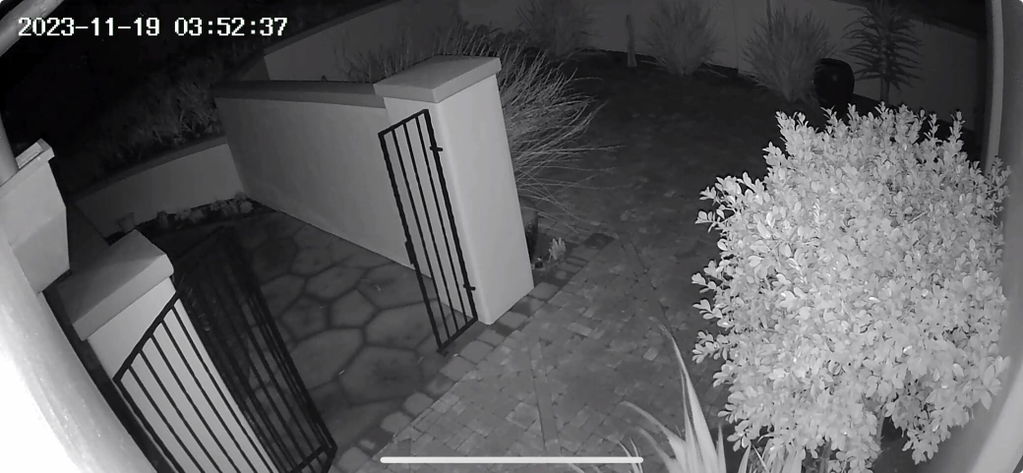
Enjoying the light...good enough to read license plates at our gate. Picks up Wifi great.
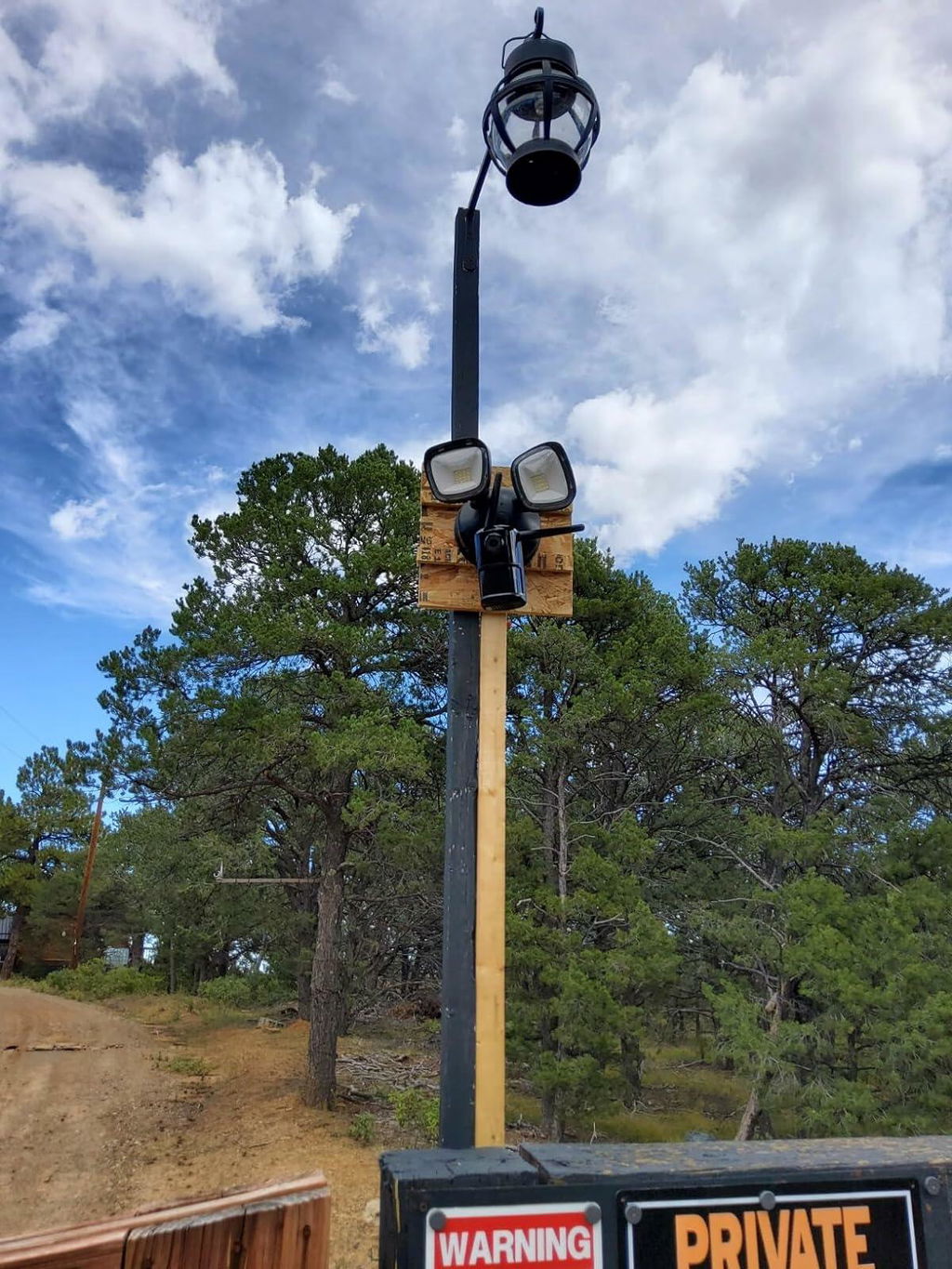
I'll be honest I stopped writing reviews a long time ago. But this product actually impressed me enough that I felt like I had to.Originally I was only looking for a motion activated light for the front of the house. But this was on sale for cheap enough that I decided to give the camera/light combo a try. Let's just say I liked it so much I bought two more and now I've got them on the side and front of the house. The app has tons of features and settings to dial things in the way I like. And the fact that it saves to an SD card so that I don't have to pay for any cloud storage is perfect. The push notifications alerts for sound or motion react very quickly. The only area I have some concern is if the company goes out of business that the notification back end won't keep working. But with how well these ones work I sure hope the company is around for a long time, the product is perfect.
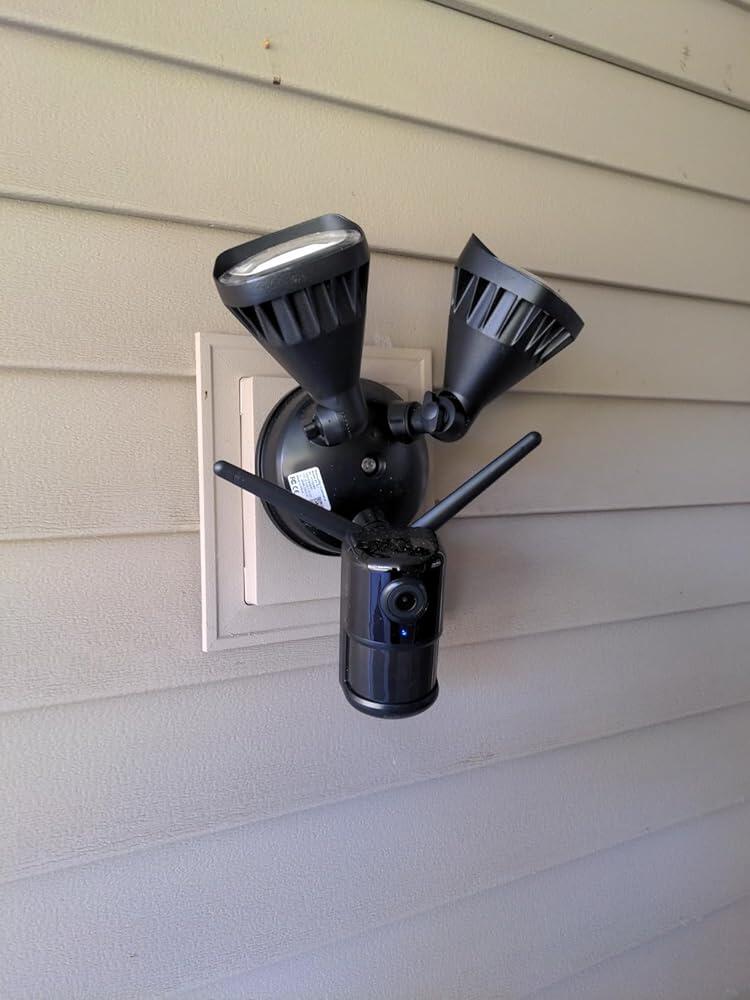
I'll be honest I stopped writing reviews a long time ago. But this product actually impressed me enough that I felt like I had to.Originally I was only looking for a motion activated light for the front of the house. But this was on sale for cheap enough that I decided to give the camera/light combo a try. Let's just say I liked it so much I bought two more and now I've got them on the side and front of the house. The app has tons of features and settings to dial things in the way I like. And the fact that it saves to an SD card so that I don't have to pay for any cloud storage is perfect. The push notifications alerts for sound or motion react very quickly. The only area I have some concern is if the company goes out of business that the notification back end won't keep working. But with how well these ones work I sure hope the company is around for a long time, the product is perfect.
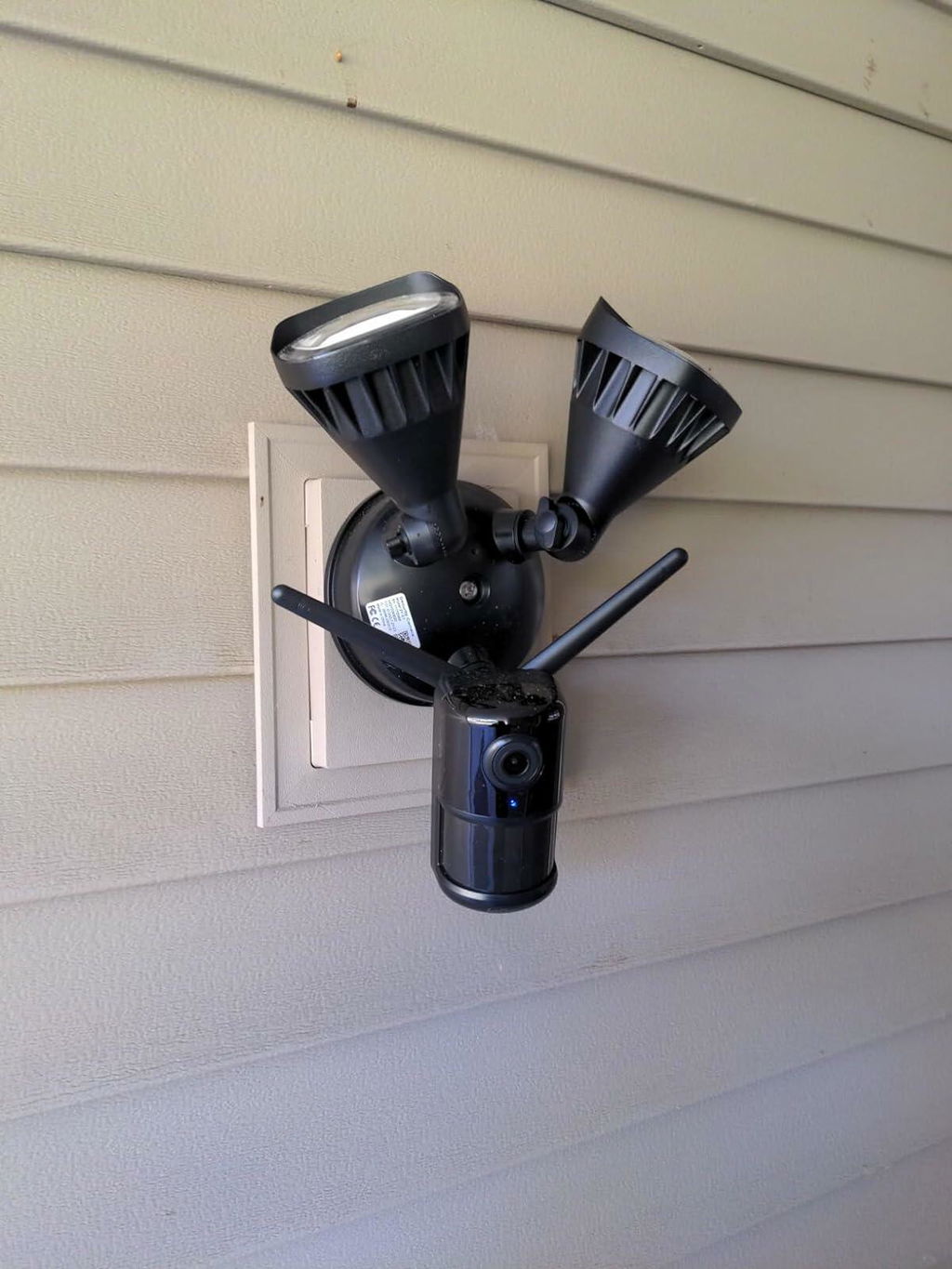
The ieGeek Home Security Floodlight Camera installs very easily providing one has an appropriate junction box. The instructions were straight forward and once installed the downloadable phone app (CloudEdge) gives voice guidance on starting it up and testing, which took less than a minute. A QR-code on your phone is read by the camera to make the connection to your router, allowing the phone app to connect to the camera.The video resolution is very good and the camera covers a wide area (see pic of deck area). The flood lights are very bright (see 2nd pic), but can be modified via the app to be 'toned down' if desired. At night a detected motion (also with sensitivity and light-on duration settings) will bring the lights on and create a message to the phone app. There is also a setting for creating set times when the lights can come on/off automatically (regardless of motion).The camera has intercom, screenshot, local storage, record-on-demand, siren and cloud storage capabilities. Be careful with the siren as it is VERY loud. Unfortunately, it does not come with a microSD card (and I don't have a spare), so I can't test local storage and retrieval yet. However, it did send images to my phone app whenever there was a motion detection event. There is also a very slick way to isolate the areas where you wish to have an alarm triggered. The app brings up a grid of the current camera view and one simply 'brushes' over the grid areas to be made active.Note, the CloudEdge app does not currently have a PC option (Android and iOS only). However, I found that by using MEMUplay, one can emulate an Android on the PC and then use the CloudEdge app). A little clunkier than on the Android directly, but it works.ConclusionSo far, so good. I am pleased with this security camera and its motion detection/floodlight/video capabilities.
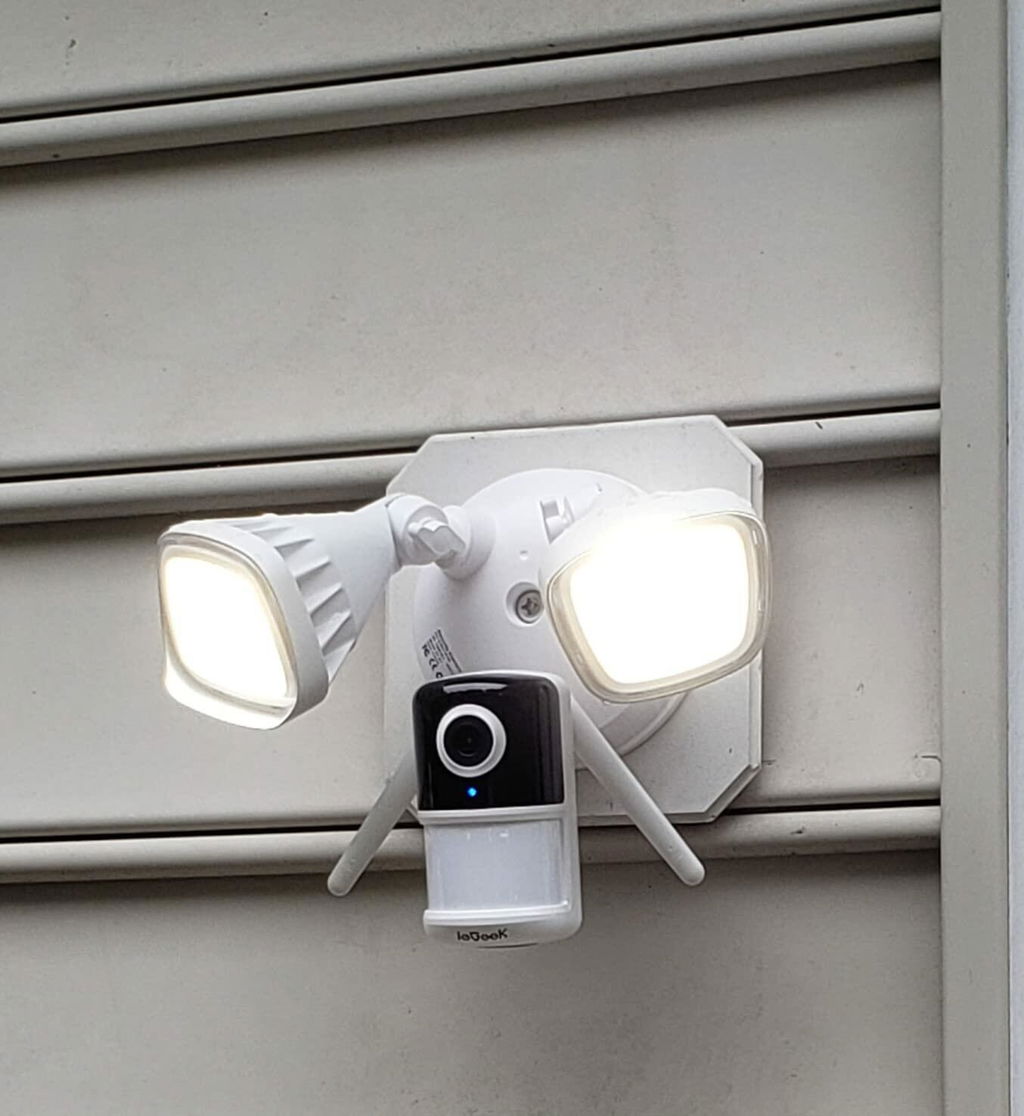
We were looking for an economical motion detector floodlight with camera to replace an old floodlight in our back yard. The ieGeek Floodlight Camera was exactly what we needed. It's very bright and lights up the entire yard. It was very easy to install, but there was already an electrical box in place. It was easy to connect to our network and set up. The app allows you to adjust the brightness and the motion detection sensitivity. We typically do not have anyone in our back yard and we didn't want to spend hundreds of dollars on a security camera. This is the perfect solution for what we were looking for.
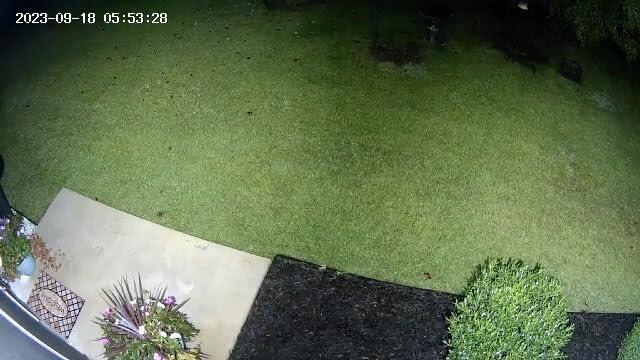
We were looking for an economical motion detector floodlight with camera to replace an old floodlight in our back yard. The ieGeek Floodlight Camera was exactly what we needed. It's very bright and lights up the entire yard. It was very easy to install, but there was already an electrical box in place. It was easy to connect to our network and set up. The app allows you to adjust the brightness and the motion detection sensitivity. We typically do not have anyone in our back yard and we didn't want to spend hundreds of dollars on a security camera. This is the perfect solution for what we were looking for.
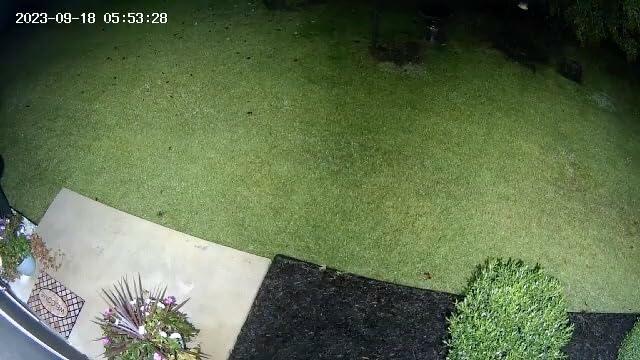
This wireless camera and flood light is just what I needed on my detached garage. The pictures are clear and it turns on in a reasonable time to record any movement. The light is plenty bright & I like the features offered by iGeek. I'd buy it again.
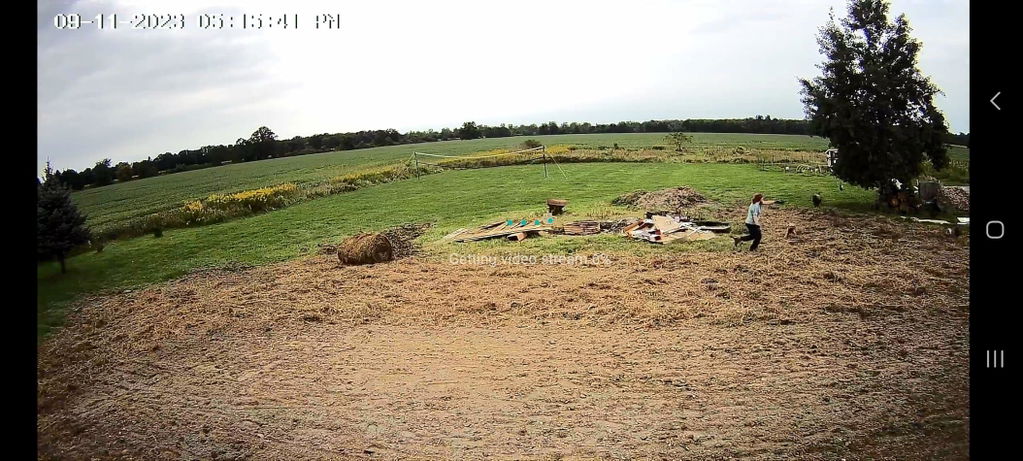
One fantastic floodlight/camera combo that does not disappoint. Purchased this at the end of December 2022 and could not wait to install it immediately. I personally own the "ieGeek Security Cameras Wireless Outdoor, Solar Security Camera System 360° PTZ" (installed in July 2022), actually two of them and they are absolutely incredible. So, when one of my traditional outdoor motion/floodlight went south, decided to invest into the IeGeek Floodlight/Motion/Camera combo. Unlike the Security Camera version purchased previously, you are not able to rotate camera and must remain in a fixed position. However, all other features and functions are identical, including the setup. Below are the my highlights of this item and my test results. Camera and Flood Light Enclosure:- Super fast installation and very simple steps. “Cannot go wrong”- The floodlight and camera are well protected and comes with a seal. No caulking needed.- All features including the lights are adjustable and can be locked into position.Setup and Configuration:- Setup similar to existing IeGeek hardware and completed within 5 min.- 2.4GHZ range is very strong and antennae placement and adjustment is more than adequate.- The features are vast and again aligned to previous hardware.- Everything is customizable, to include the strength of the flood light itself.- Built in 2 way speaker works very well and the Day/Night vision on par with high end sets.Test Results:- Camera motion detection range 40+ft ; Seems to max out due to the height I have it on my house.- Flodlight motion is oddly a little less than camera detection range but, manageable in my location.- Video and Picture quality is perfect and believe it or not better than 3MP claim.- Adjustable sensitivity settings and even the floodlight brightness. Great if you want to keep neighbors happy.Overall great camera and quality. Very pleased.Takeaways…I give this setup an overall 5 stars and it performs to this level. The motion detection range and sensitivity is maxed in my location but, I would imagine in many other applications and heights the range would be more than adequate. Even pushing this system to the range limitation, there is no disappointment in its flexibility and quality. This floodlight/camera combination needs to be your next replacement. Check out my pics to include the night vision sets.
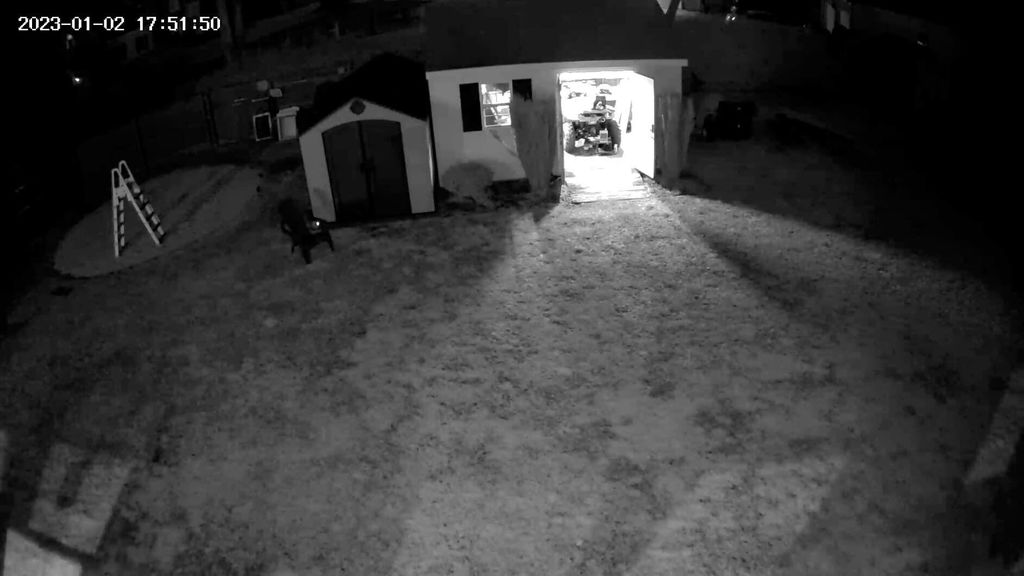
As a retired CCTV contractor (government & commercial) I like to review new consumer cctv products in the hopes that I can find reasonably priced cameras that can replace the older ones I currently have. Recently I have started using the Cloudedge app along with a few other types of ieGeek cameras so I though this would be a great addition. The floodlight camera arrived in a very well packaged box and I was able to set-up the camera with the app very easily and quickly. You need to understand that this is not a battery or solar powered camera/light, it needs to be connected to your homes electrical wiring and mounted onto an electrical junction box. The good thing about this type of power source is that when using a micro SD card (up to 128gb, not included) you are able to set the recording to always on, meaning 24/7 so if an event happens you have much more recorded video to look back on then just a standard short clip that you get with most event recordings. This camera has great Full HD video quality in the daytime and even at night you get very good night video using the IR mode (B&W) and if you want color at night you can set the auto light on to light things up and the video will go to full color. It also provides the capability to use a two-way audio intercom or if needed you can activate a very loud built-in siren. When the camera detects motion, either at night or daytime it will send an alert to your cell phone with a thumbnail image showing what triggered it and also let you click on that image for a short video clip. This would be a great camera/light combo for either a home or even a business.
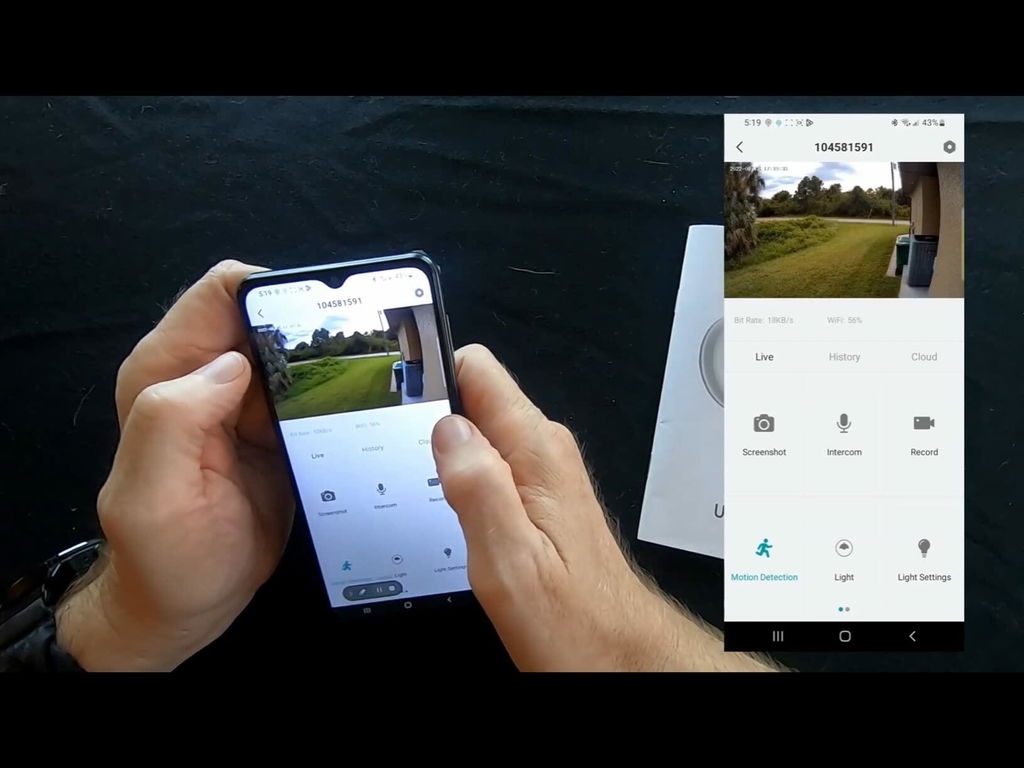
I love the fact that there is a siren feature on my app for the floodlight cameras. And the lights are very bright and I feel very secure now that I have my floodlights. The app is very useful and easy to use to work my cameras and floodlights. it is a very wonderful and great product.
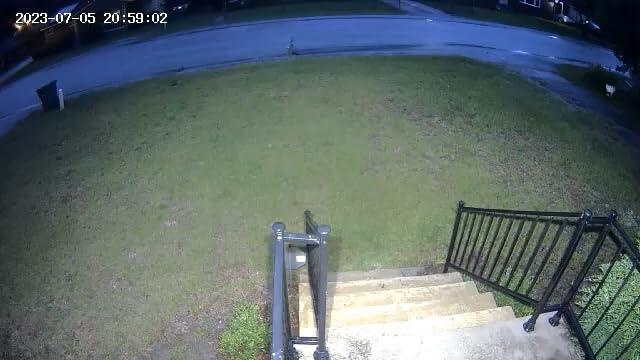
This product does exactly what it is designed to do. Easy install and was able to set. it up with ease using the app. I would recommend this product.
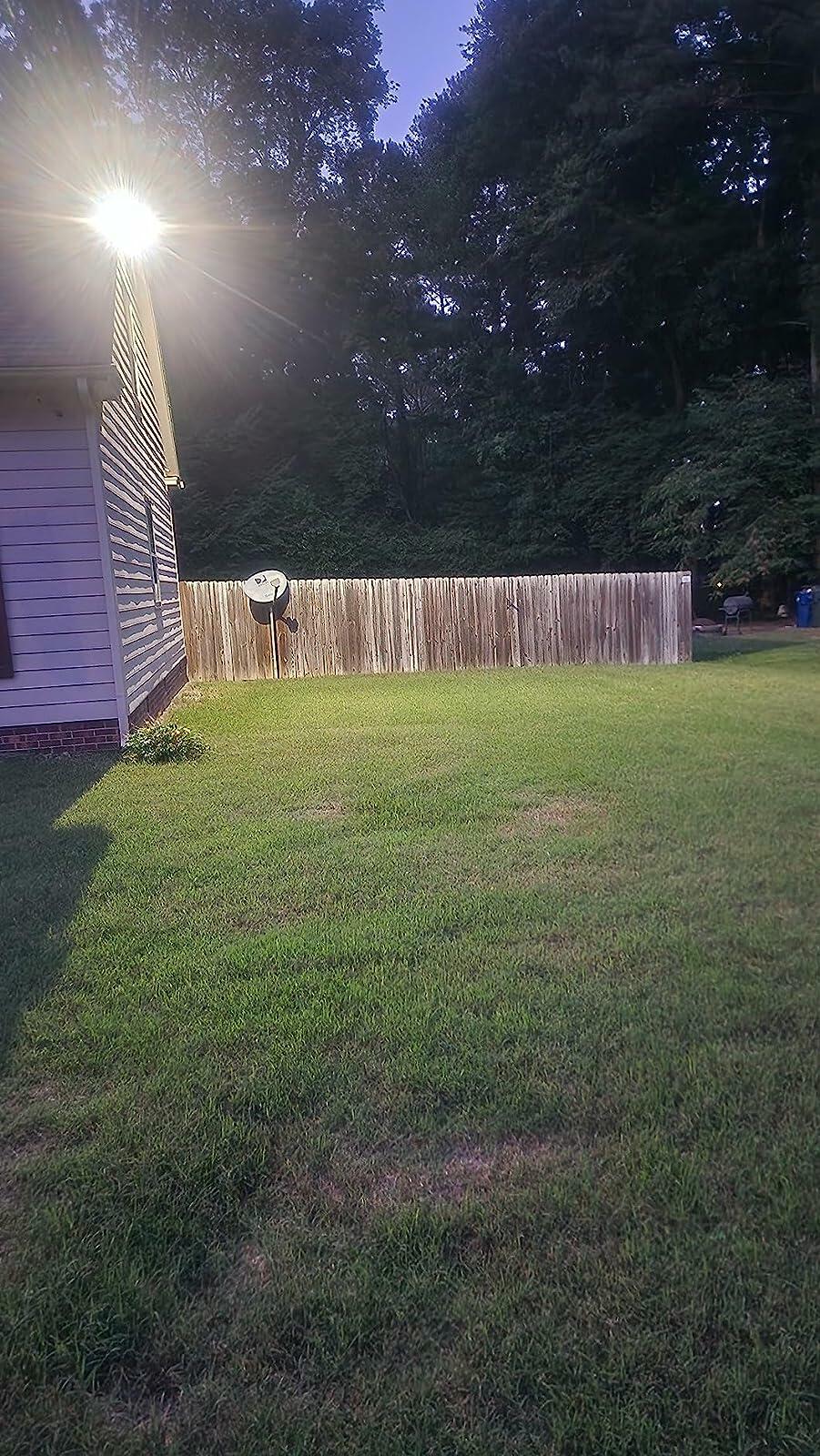
Frequently Asked Questions
How to solve if the ieGeek Floodlight Camera ZY-E1 device prompts offline?
1. Check whether the equipment is in the power-on state, and observe whether theworking indicator of the equipment is on normally.
2. Check whether the WlFl network is in good condition and restart the router.
3. If the device is located far away from the router, which results in the inability to obtain a good Wi-Fi signal. It is recommended to move the router to a closer place or add a Wi-Fi amplifier to improve the Wi-Fi performance.4. Delete the floodlight camera from your Cloud Edge account and add it again after resetting the device.
5. Check whether the device firmware and application are the latest version.
How to solve if can't play historical video?
1.Check the SD card status in "Settings" to ensure that the SD card has been identified successfully .
2. Re-insert the SD card.
3. Format the SD card in the application.
4. Try another new SD card.
What should l do if the phone cannot receive the alert notification?
1.Turn on the push permission of the "CloudEdge" APP in the phone system.
2. Ensure that the device's motion detection is turned on successfully.
3. Restart the phone. Try to clear the cache if your phone is Android system.
4. Check whether the network is good.
What should I do if the LED lights are always on?
1.Check whether the 'LED’ button in the APP is turned on.
2. Check whether there is a problem with the time setting in the 'Light Schedule'.
What should l do if the camera falls off during installation?
Please don't worry, the camera can be installed back. If you don't know how to install it, please contact us.
Does the ieGeek ZY-E1 have smart motion detection to reduce false alarms?
Yes, the camera features smart detection that identifies human activity and reduces false alerts from pets, vehicles, or moving branches, ensuring you only get notified when it truly matters.
How to operate if I want to update router or Wi-Fi password?
Delete the floodlight camera from your CloudEdge account. After resetting the device, use the new Wi-Fi or password to add it again.


