


How to reset ieGeek Security Cameras
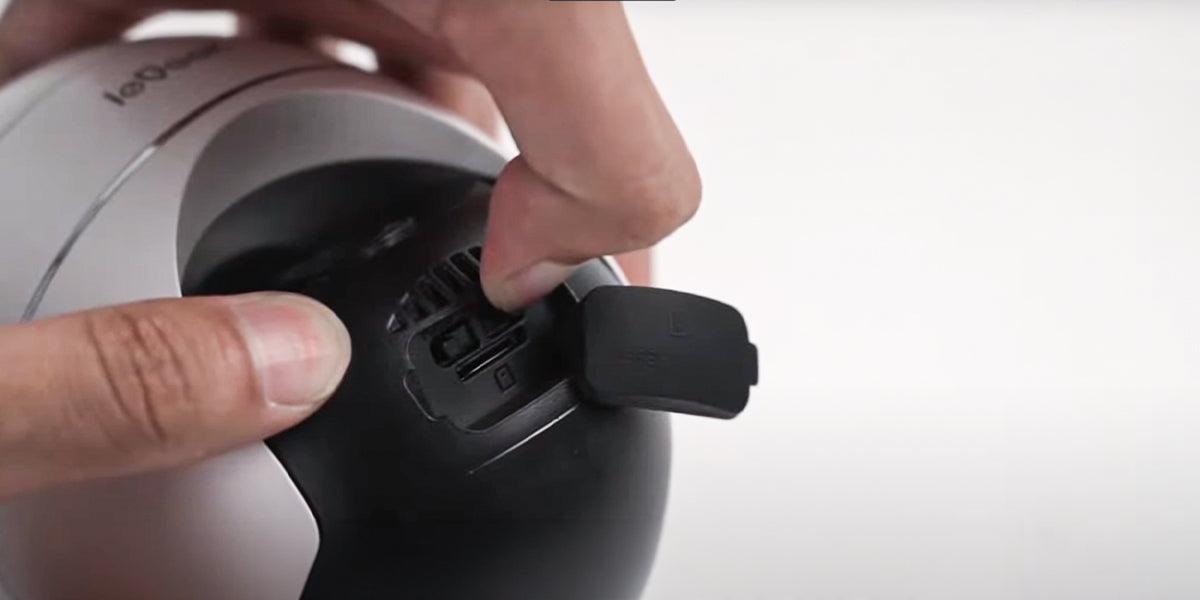
If you want to reset your ieGeek security cameras to factory defaults, you can follow these 2 reset methods: pressing the reset button or deleting the device on apps.

Top solutions for ieGeek battery camera network troubleshooting
We will detail the camera network setup steps and guide you on how to troubleshoot the battery camera with no Wifi connecting in minutes by detecting the indicator light.
Complete Guide to Security Camera SD Card Storage
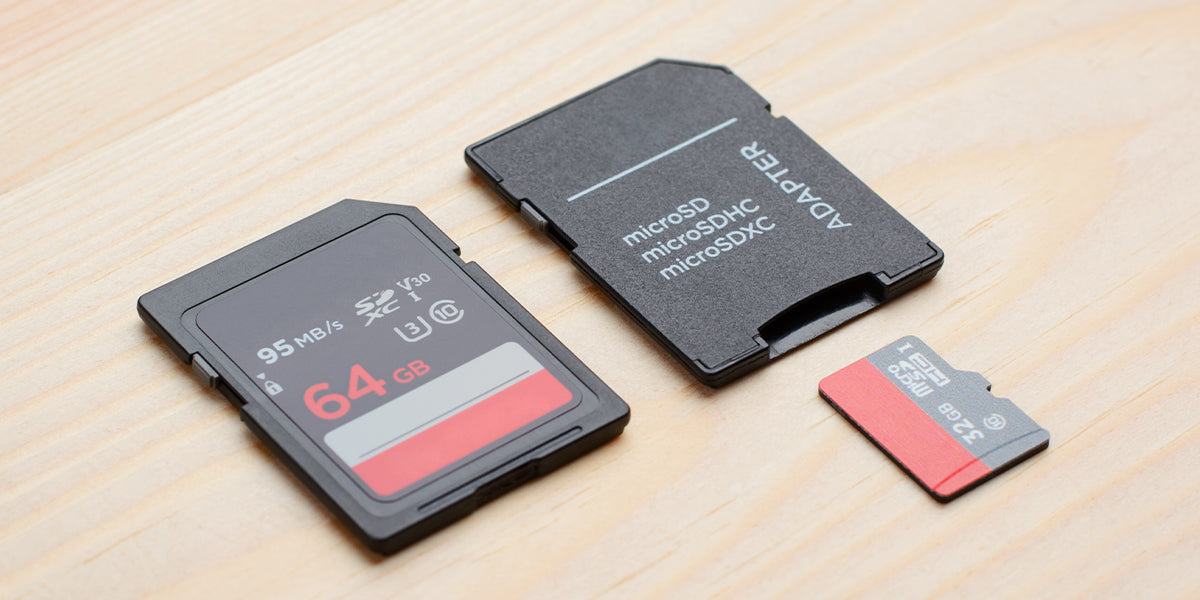
In this post, we will introduce how to set up SD card storage on the ieGeek security camera. Now follow it step by step and get things easily done.

How to prevent security cameras from being hacked? 4 methods we must take
There was a news story about a famous security camera brand that was taken over by a hacker inside a little girl’s room and the hacker taunted the terrified little girl. Today we’ll talk about some typical security issues of security cameras, and how to prevent them from being hacked.
Top guide on how to spot a fake security camera 2023
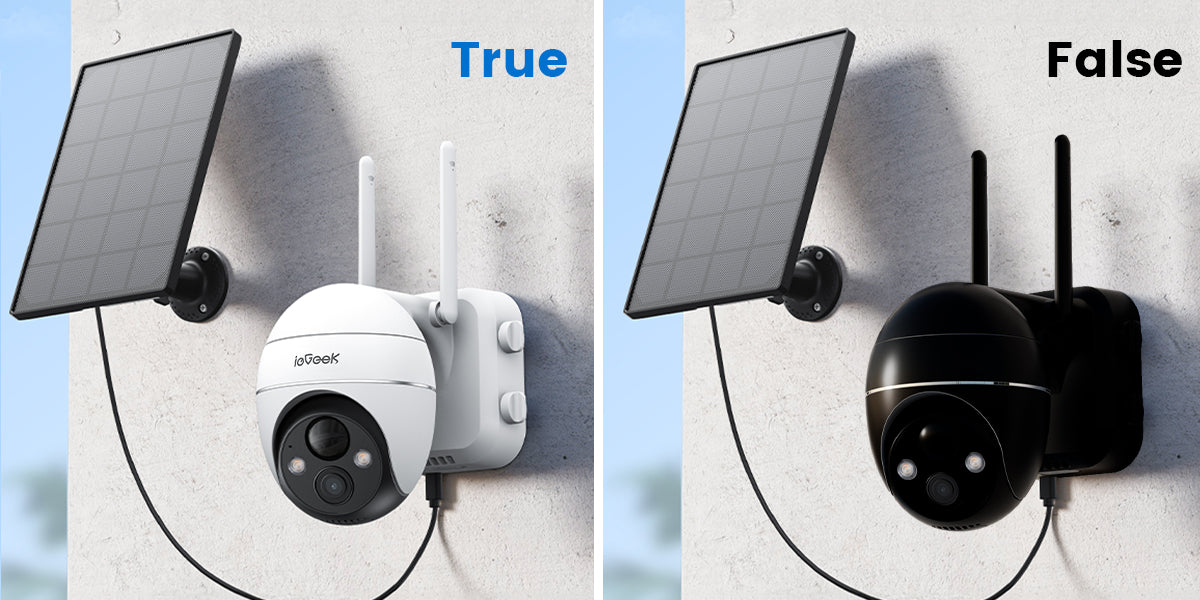
We can see security cameras everywhere in our daily life. It will help to build up your security system better if you can understand what fake security camera exactly is and how to spot them. In this article, we will make it clear.


Cloud storage VS SD card
Which one is better for security camera recordings?

Top tips for installing ieGeek security cameras

The Top 6 Solutions for Rural Home Security
In this guide, we delve into the top six strategies that have proven to be effective in enhancing security for those in remote locations. From advanced countryside security systems to innovative remote home monitoring solutions, learn how to keep your rural sanctuary safe and secure.

How to Extend the Battery Life of ieGeek Battery Powered Cameras
Are you tired of frequently charged your ieGeek battery camera? In this section, we will explore important tips and tricks to help you extend the battery life of your ieGeek battery powered camera.
How to reset ieGeek Security Cameras
If you want to reset your ieGeek security cameras to factory defaults, you can follow these 2 reset methods: pressing the reset button or deleting the device on apps.


